Stream Safely on Public Wi-Fi Using Streamio
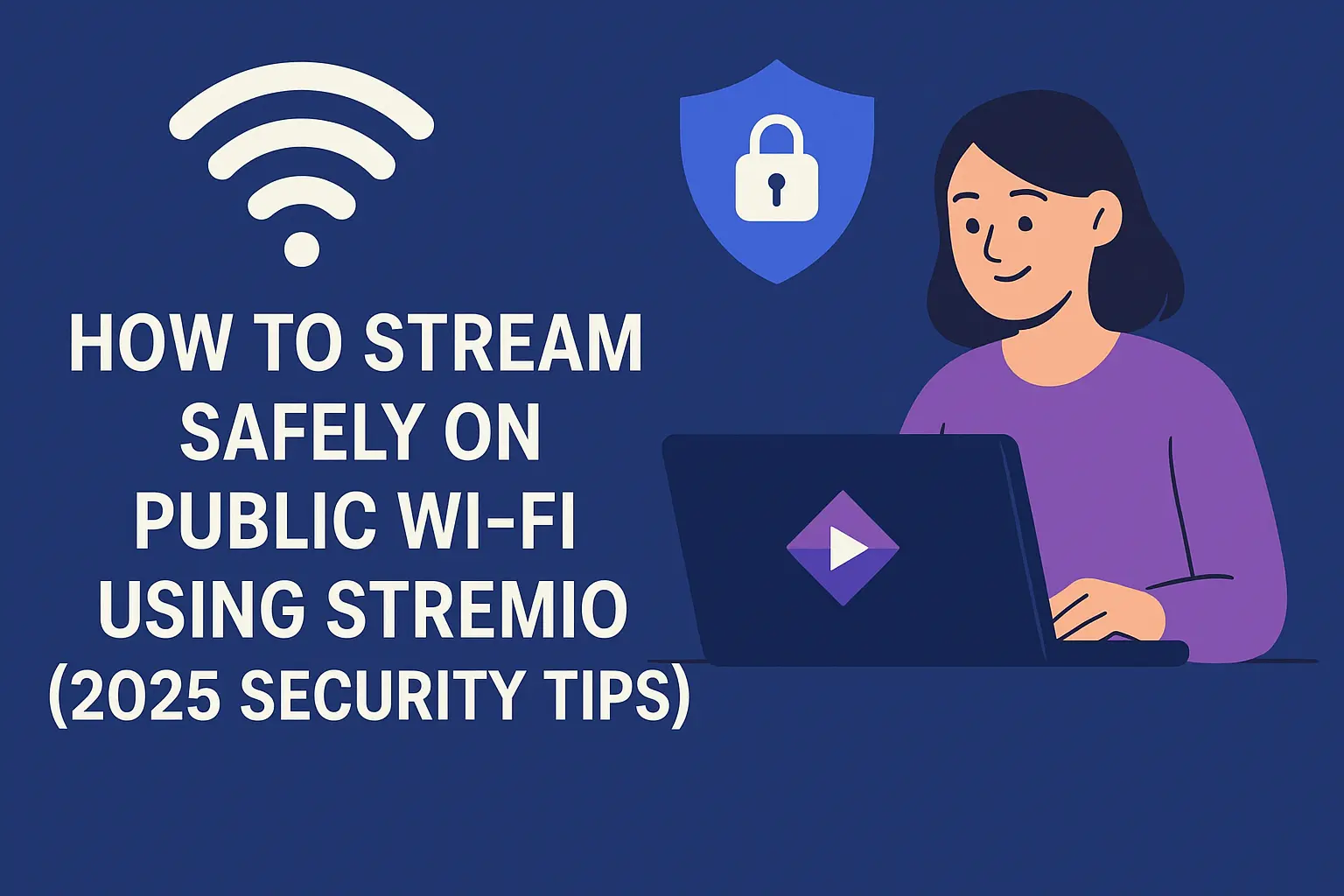
How to Stream Safely on Public Wi-Fi Using Stremio (2025 Security Tips)
Public Wi-Fi is everywhere in cafes, airports, hotels, and even buses. It’s convenient, but when you use it for streaming apps like Stremio, your privacy and data can be at risk. Hackers often target open networks to steal personal information, track your online activity, or inject malware into your device.
If you’re wondering how to enjoy your favorite movies and shows on Stremio without compromising security, here are the smartest and easiest safety tips for 2025.
Why Public Wi-Fi Is Risky for Streaming
When you connect to public Wi-Fi, your data travels through an unsecured network. This means:
- Hackers can see what you’re watching or what sites you visit.
- Your login credentials and personal information can be stolen.
- Some networks may block or throttle streaming.
- You could even be redirected to fake pages or unsafe links.
That’s why using Stremio on public Wi-Fi without protection is never a good idea.
1. Always Use a Trusted VPN
The safest way to stream on public Wi-Fi is with a VPN (Virtual Private Network). It encrypts your internet connection, hiding your real IP address and making your data unreadable to anyone snooping around.
Recommended VPN features for Stremio users:
- No-log policy: Ensures your activity isn’t tracked.
- Fast streaming speeds: So your movies don’t buffer.
- Kill switch: Disconnects your internet if the VPN drops.
- Multiple server locations: Let’s you bypass geo-blocks easily.
In 2025, top VPNs like Nord VPN, Express VPN, and Surfshark remain the most reliable choices for streaming safely.
2. Enable HTTPS Everywhere
Before streaming or logging into any site, ensure the web address starts with “https://” — the “S” stands for “secure.”
You can also install browser extensions like HTTPS Everywhere to automatically switch to secure versions of websites, reducing the risk of data leaks.
3. Avoid Logging into Sensitive Accounts
While streaming, don’t log into banking or email accounts on public Wi-Fi. Mixing entertainment with sensitive data access can create easy entry points for hackers.
Keep your streaming session simple — just open Stremio, use your add-ons, and enjoy your content.
4. Keep Your Stremio and Device Updated
Outdated software can contain security holes that attackers exploit. Make sure your:
- The Stremio app is updated to the latest version.
- Operating system (Windows, Android, macOS, etc.) has the newest security patches.
- Add-ons are from trusted sources like the official Stremio catalog or verified repositories.
Updates not only fix bugs but also strengthen your device’s defense against online threats.
5. Use a Personal Hotspot When Possible
If you’re in a public place but can use your phone’s mobile data, create a personal hotspot instead of joining open Wi-Fi. It’s more private and much harder for others to access.
6. Turn Off File Sharing and Auto-Connect
Before connecting to any public Wi-Fi:
- Turn off “Auto-Connect” so your device doesn’t join unsafe networks.
- Disable file or media sharing under your Wi-Fi or Bluetooth settings.
These small steps can stop attackers from sneaking into your device while you stream.
7. Use Strong Passwords and Two-Factor Authentication
Your Stremio account (and any linked services like Trakt or Real-Debrid) should always have a strong, unique password.
Add two-factor authentication (2FA) if available. Even if someone gains access to your password, they can’t log in without the second verification step.
8. Avoid Downloading Unknown Add-ons
Unofficial or shady add-ons can expose your device to malware or illegal content. Stick with trusted Stremio add-ons like:
- Official Stremio Add-ons
- Torrentio (from verified sources)
- Orion
- PirateBay Add-on (official link only)
Always research an add-on before installing it and avoid anything that looks suspicious or offers “too-good-to-be-true” content.
Final Thoughts!
Streaming with Stremio on public Wi-Fi doesn’t have to be risky; you just need the right tools and habits. A good VPN, updated software, and cautious network behavior can make all the difference.
In 2025, digital security is not optional; it’s essential. So next time you stream your favorite series in a café or airport, remember these tips to keep your data private and your experience safe.