How to Add Torrentio to Stremio? Complete Setup Guide 2026
Switching between apps just to watch a single movie or TV show can be exhausting. Even when you do find what you want, some content is locked behind restrictions or hard to access, leaving you frustrated. Stremio solves this problem by bringing multiple streaming sources together in one simple, easy-to-use interface.
When we add Torrentio to stremio, it opens up an even larger library of high-quality torrent-based links, giving you access to everything from the latest releases to rare titles. Together, Stremio and Torrentio create a seamless entertainment hub that makes browsing and streaming content simple, fast, and enjoyable.
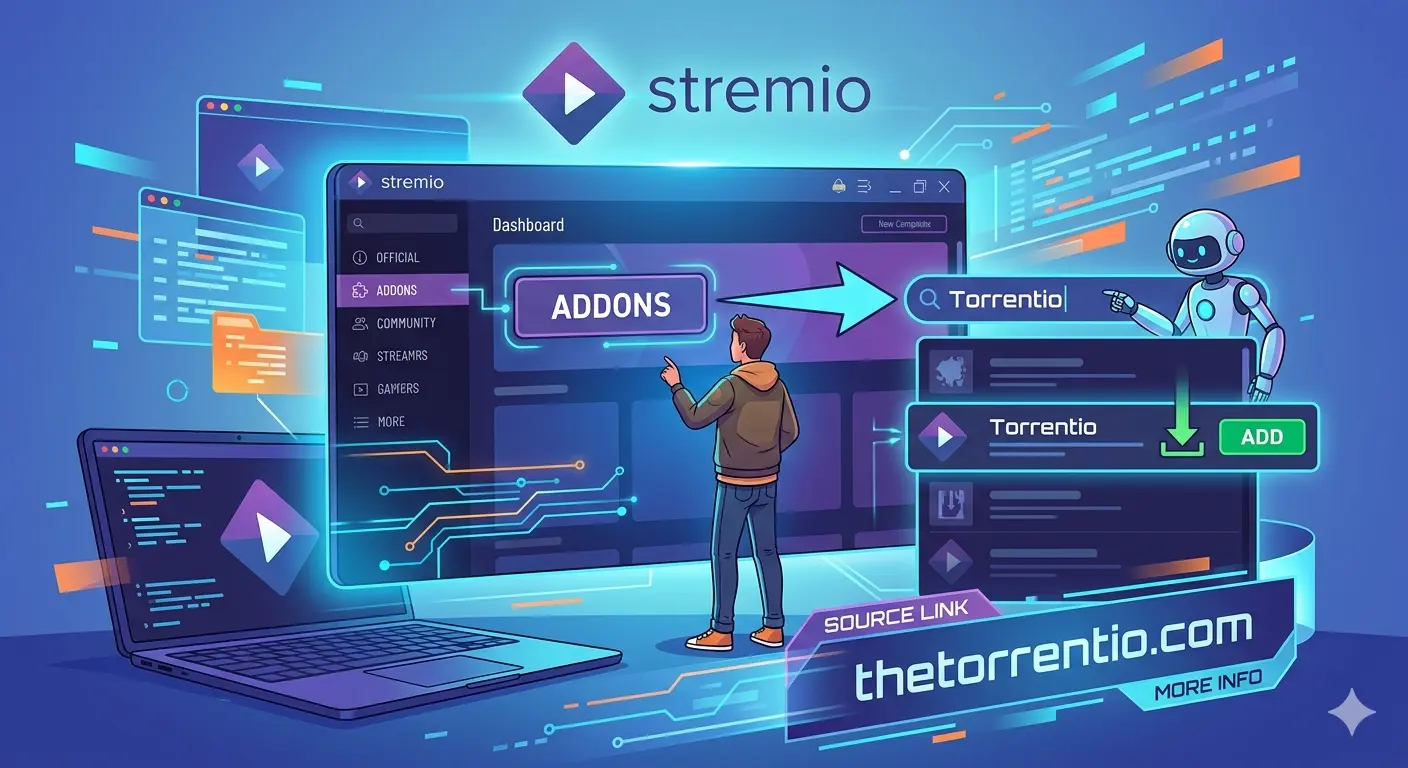
Below, we guide you in detail through each step of how to add Torrentio to Stremio, making the setup simple and straightforward.
Overview of Torrentio to Stremio
When we add Torrentio to Stremio, the streaming becomes much more flexible and enjoyable. Stremio is already an easy platform that brings together movies and TV shows from other sources, but Torrentio is the next best thing because it brings together links from other sources using torrents. You do not have to look for torrents anymore, as they are provided directly inside Stremio through Torrentio, allowing you to access a huge variety of content. You can search for a title, choose the best link, and start watching your favorite shows directly inside Stremio, without needing any additional tool.
How to Add Torrentio to Stremio?
In the following section, we will follow the steps, and in just a few minutes, you will be able to set up Torrentio on Stremio to watch all your favorite content.
Step No 1: Visit Our Torrentio Page
Firstly, users visit our Torrentio page on the website. This page includes the latest version of the add-on along with all the necessary configuration options.
Step No 2: Open the Configuration Panel
On this page, you can configure the quality, preferred provider, and even optional premium content. Making these changes ensures that Torrentio is functioning optimally after adding it to Stremio.
Step No 3: Set Your Preferences
You can choose your preferred resolutions, such as 720p, 1080p, or 4K, depending on your Internet connection and device capabilities. You may also choose to use optional premium debrid services for a better and faster streaming experience.
Step No 4: Click Install
After setting up the options, you can now click on the Install button. Our website will automatically connect with Stremio to initiate the integration process. This process will take a few seconds.
Step No 5: Confirm in Stremio
Once Stremio opens, you will be prompted to confirm. Clicking this confirmation will add Torrentio to your add-ons list. This will confirm whether your set preferences on our site have been applied correctly.
Step No 6: Start Streaming
After installation, open any movie or TV show in Stremio. Multiple streaming links from Torrentio should now appear. This confirms that the add-on is working correctly and is ready to use.
Key Benefits of Torrentio in Stremio
Torrentio adds great value to Stremio, making the streaming experience more convenient and enjoyable. The following are the benefits you can enjoy using Torrentio on Stremio:
- Larger Content Library
With Torrentino, you can access multiple sources of torrents and have access to more movies and TV shows than what Stremio can offer you. This is a good confirmation that we always have a lot of options to look into and enjoy.
- High-Quality Streaming Options
The add-on offers video qualities starting from 720p, 1080p, and even 4K, depending on the device and the internet connectivity speed. We are also able to watch the videos with clear and sharp visual and sound quality.
- Time-Saving Stream Aggregation
Torrentio also automatically retrieves streams from different sources. It also eliminates any broken or low-quality links. We don’t have to worry about testing each link, and this saves time. It is therefore very convenient for us to watch our content.
- Seamless Integration with Stremio
Once installed, we can use it directly through Stremio without the need for other applications or software. We can search, choose, and watch content instantly. It simplifies the entire watching experience.
- Reliable Playback with Minimal Buffering
The add-on also prioritizes streams that have a higher number of seeds and better availability, hence a smooth experience without interruptions and buffering. This is a confirmation that we have a smooth and enjoyable experience.
Best Tips for Using Torrentio to Stremio
To make your experience using Torrentio on Stremio better, here are the best simple tips to consider before you start using it.
- Using a VPN will enhance your privacy while streaming content.
- Changing the video resolution will reduce buffering while playing the video.
- This helps in faster and reliable access.
- Having a stable internet connection ensures smooth viewing.
- Upgrading Stremio helps avoid compatibility issues.
- Clearing the cache may help in some cases.
- Switching the stream may help if the video is not available.
Conclusion
Adding Torrentio to Stremio is the simplest way to access a world of limitless streaming. We all want easy access to movies, TV shows, and series without having to subscribe to more services, and this can be done with ease using Torrentio. By following the above steps, you can transform Stremio into a powerful tool for streaming movies and TV shows like never before.