Torrentio Not Working
How to Fix Stremio Streaming Issues (2026)
Complaints about the Torrentio not working have drastically increased in 2026. This can lead to unwanted frustration and plan cancellation. You may start trying numerous ways to fix it, like restarting the application, tapping around, and assessing the internet connection. However, none of these might work, but do not worry.
Torrentio works with numerous APIs, external sources, and APIs for link retrieval. In this guide, we will walk you through why Torrentio stops working and how you can fix it with simple steps, even if you are not tech-skilled. So, let us begin now.
What Is Torrentio and How It Works With Stremio?
Torrentio is a renowned external add-on that works as a bridge between torrent indexes and Stremio and allows you to stream movies and TV. This makes it easier to find playable streams in one spot. Torrentio even finds matching torrents based on file size, quality, seeders, and compatibility, and provides them as stream options to you. Torrentio uses peer-to-peer torrent technology and adds the data progressively to Stremio when it is shared by other peers.
Why Torrentio Is Not Working on Stremio?
Torrentio might stop working on Stremio due to multiple reasons. Understanding the core reason affecting its functionality makes it easier to resolve the issue. Let us go through some reasons that might lead to Torrentio not working.
Add-on Not Loading or No Streams Available
Sometimes you open Stremio and a blank screen or an error message appears. It might be because the add-on got stuck or could not connect to streaming sources. You can fix this by restarting Stremio or reinstalling the Torrentio add-on. This generally resolves connection issues or fixes small bugs.
Real Debrid (RD) Integration Problems
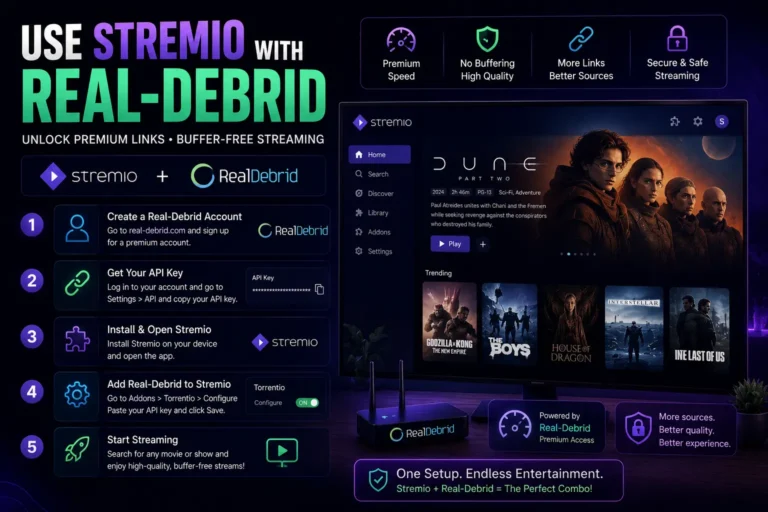
Numerous users connect Real Debrid with Torrentio for an even enhanced streaming experience. However, if its account is not connected properly or the subscription has ended, Torrentio may not display any streams. You can fix this by ensuring that your account is active, login details are accurate, and you have a stable data connection. Besides this, renewing the subscription might also help you.
Torrentio Server Downtime or Hosting Issues
Torrentio relies on numerous external servers that help operate the streaming data. At times, these servers might be down because of maintenance or other tech-related issues. If you suspect such a scenario, you can check out Torrentio’s official page to confirm and then retry after some time.
Outdated Torrentio Add-on or Stremio App
Frequent updates are released by developers to fix bugs and enhance the applications. If you have an outdated Torrentio add-on or Stremio Application, this might lead to errors or flawed experience. You must regularly update the add-on or Stremio application to ensure that everything operates smoothly.
Installation and Configuration Errors
At times, you might have not installed the Torrentio add-on properly or not provided necessary permissions. As a result, it does not connect to the internet or streaming services properly. However, this issue can be resolved easily by reinstalling the add-on after clearing the cache. Moreover, ensure that the streaming service and add-on have all the necessary permissions.
Cache and App Data Buildup
Streaming apps often store temporary files called cache to speed up the process. However, once these get too large or corrupted, thus having a negative impact on the add-on. You can clear the cache from your device’s settings or from within the streaming app, if allowed. This will restore the application’s speed and provide you with flawless performance.
Quick Checks Before Applying Fixes
There are some quick checks that you should perform before applying fixes. This helps save time, energy, and might as well resolve the issues.
- Check Internet Speed and Network Stability
- Verify Torrentio and RD Server Status, because manual fixes will not help when the servers are down.
- Restart the Stremio Application and Your Device
Simple Fixes for Torrentio Not Working on Stremio
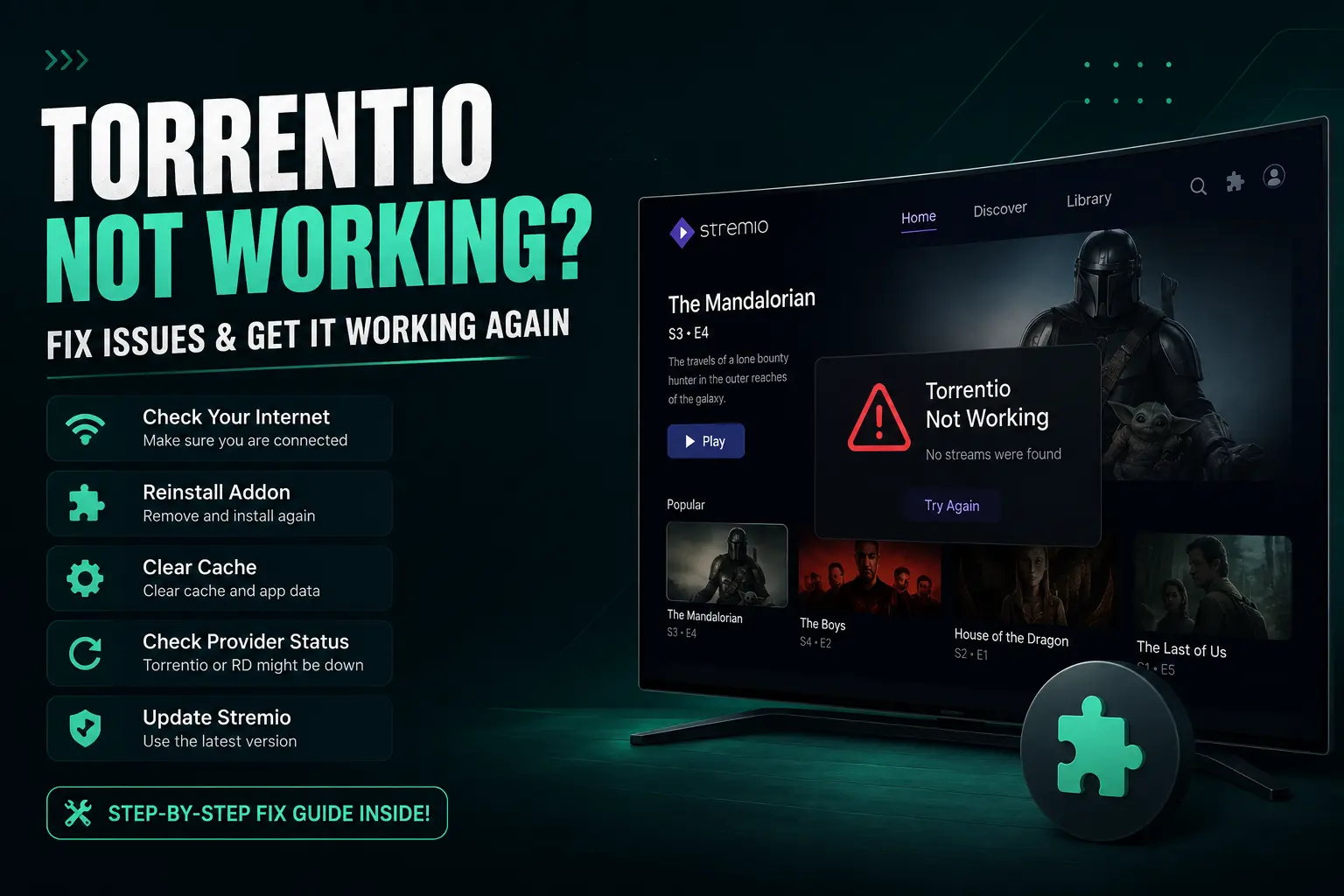
Fixing torrentio’s issues is simple and seamless. You only need to follow certain simple steps to do so. You can perform either of these fixes according to your problem:
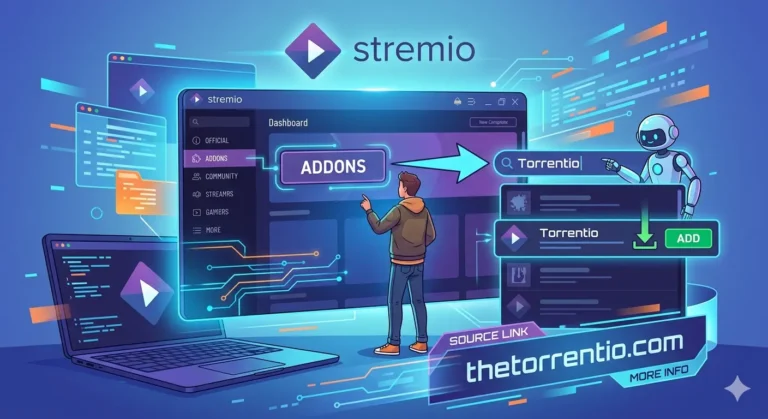
Reinstall the Torrentio Add-on
Your Torrentio add-on may get corrupted. You can fix 80% of such issues by deleting the add-on from Stremio, restarting the application, and then reinstalling the add-on from the official community add-ons.
Update the Stremio App to the Latest Version
Older Stremio versions do not support the recent Torrentio API. Simply visit the official Stremio site or app store, the latest update, and launch the application again. This helps you have a smooth streaming experience.
Clear Cache and App Data in Stremio
The stored cache or app data may get corrupted or too large in size. This can cause a slower streaming experience. You can fix this issue by simply clearing the cache from the device or within the Stremio application’s settings.
Reconfigure Torrentio Add-on Settings
You can optimize settings like the quality, language, and region from Torrentio’s settings. However, do not over do this. Only select necessary formats for a simple and smooth experience.
Refresh or Reconnect Real-Debrid
Connecting a real-debrid service sources premium content from reliable sources. This reduces buffering and broken links. Thus, ensuring a flawless experience.
Change DNS Settings for Better Connectivity
DNS blocks may not allow the torrents to load. To resolve this, you should move to Google DNS (8.8.8.8) or Cloudflare (1.1.1.1) for a quick and inclusive connectivity across all the sources.
Switch Streaming Quality or File Size
If you have buffering issues or loading takes time, you should switch streaming quality to 720p or 480p. This leads to quick loading and smooth operation. High-resolution streaming requires a higher bandwidth which might be inaccessible at times.
Try Different Torrent Sources
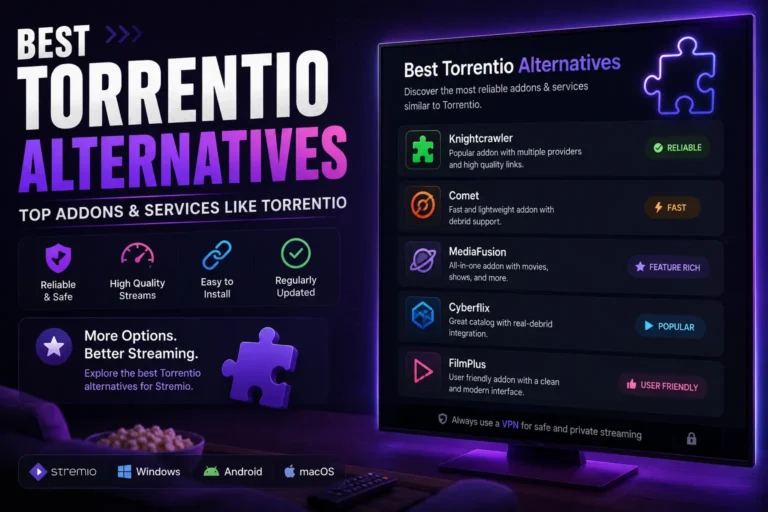
If you consistently face Torrentio not working, you should try switching to alternative torrent sources. Refer to Alternative torrent sources for more details.
Temporarily Disable Antivirus or Firewall
Firewalls often block outgoing connections from Torrentio. You can try and disable them for a while. However, ensure to turn them on again once the testing is done.
Avoid Modded or Unofficial Stremio Builds
Unauthorized or modified third party applications may seem attractive at first but they often contain bugs or malware. ALways ensure to install add-ons from Stremio’s authorized community.
Wait for Official Torrentio Server Maintenance
If the servers are down or there is any tenchinal work or maintenance, it is suggested that you wait for the server maintenance time to complete. You can follow their official GitHub or Reddit threads for frequent updates.
Install Community Add-ons in Stremio
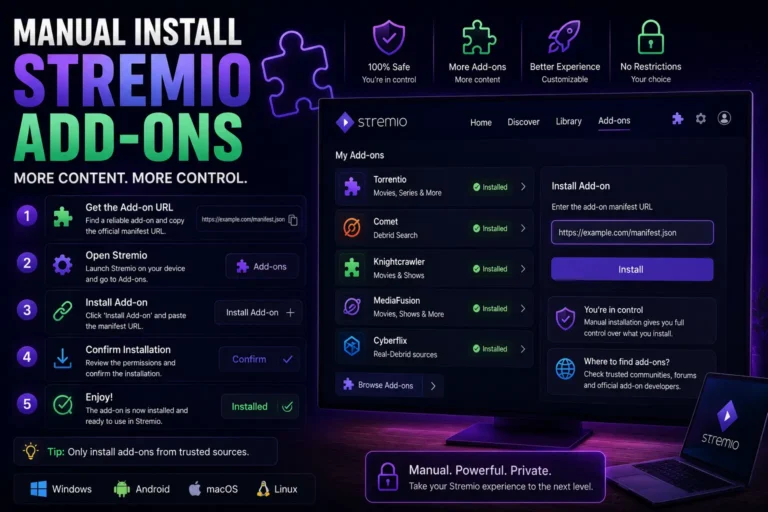
Community add-ons expand Stremio’s library by providing access to new content sources, including movies, TV shows, and niche streams. Installing them is simple and allows Torrentio users to discover additional streams that may not appear in the default add-ons.
Use StremioFix to Resolve Torrent Playback Issues
StremioFix is a troubleshooting tool designed to repair common playback errors and add-on glitches in Stremio. Running it can restore Torrentio streams without the need to reinstall the app or add-on manually.
Enable External Torrent Support in Stremio Settings
Enabling external torrent support allows Stremio to fetch streams directly from torrent sources, improving availability and playback speed. This is especially helpful for Torrentio users when certain torrents do not appear in the default configuration.
VPN and Network Settings That Affect Torrentio
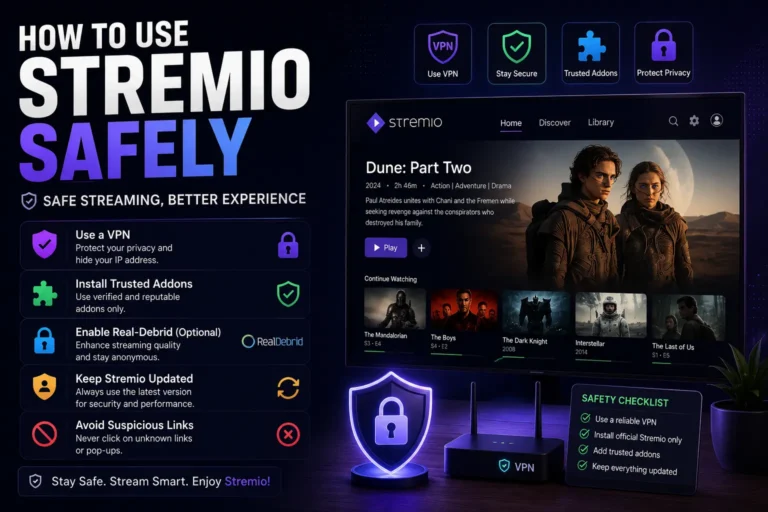
ISPs often block torrent connections, thus, VPN usage is a must for torrent-based streaming. VPNs mask your IP address and make your streaming experience smoother and faster. However, you must use premium VPNs as they do not leak your IP address or reduce the bandwidth. VPNs make torrent-based traffic appear like normal traffic and you do not get blocked.
Torrentio Server Reliability and Performance Issues
Torrentio not working generally occurs due to server and performance issues as well. It might be because there are peak traffic times and the server is overloaded. You can also check whether the add-on is globally down through its official communication channels and then wait for a while to try again. In such cases, any fixes would not help and you will only have to wait until the issue is officially resolved.
Best Practices to Keep Torrentio Working Smoothly
If you want to keep Torrentio working smoothly and have a flawless streaming experience on Stremio, there are certain things you should do. These include ensuring that you have the latest updates of Torrentio and Stremio and an optimized network connection and DNS performance. These will help avoid potential issues.
Frequently Asked Questions
Conclusion
Is Torrentio Still Reliable in 2026?
If you face Torrentio not working, you should stay calm and then you can fix it within seconds. Ensure that you have the latest update of the add-on and that your internet connection is stable. If these things do not work, go for other fixes. However, overall Torrentio is still reliable if you use it properly.
Disclaimer
Our guide is curated solely for informational purposes. We do not advise users to source content through illegal means. It is the user’s own responsibility to abide by their local legal and security rules. We are not responsible for the user’s actions.