Install Stremio Addons
How to Install Stremio Addons (Beginner Guide)
Something is exciting about Stremio; it gives you control over what you watch and how you watch it. But what makes it truly powerful are the add-ons. They turn a simple media center into a content universe.
While Stremio offers many official add-ons, the real fun begins when you install them manually. That’s how you unlock hidden sources, rare movies, and live streams that don’t show up in the official catalog.
If you’re ready to take your Stremio experience to the next level, let’s talk about how manual add-on installation works in 2026.
Why Go Manual?
In 2026, the Stremio ecosystem has grown massively, but not all add-ons make it to the official catalog. Some of the best ones, like community-built streaming or region-specific add-ons, live quietly on developer websites and GitHub pages.
Manual installation gives you freedom. You can add anything you want, from experimental tools to exclusive streaming libraries, all by pasting a single link. It’s like adding secret channels to your own streaming world.
How Manual Add-ons Work
Each Stremio add-on has a unique manifest URL. This tiny link acts like a key once added, Stremio automatically connects to that source and loads all its content into your library.
No complex coding, no downloads, no files, just a link. Once added, it appears alongside your other add-ons as if it were official. That’s the magic of Stremio’s open design, simple yet limitless.
Manual Installation in Action (2026 Edition)
Here’s how it goes in real life:
You find a great new add-on, say on Reddit or a Stremio community site. It gives you a link like:https://addonname.github.io/manifest.json
You copy that link, open Stremio, head to the Add-ons section, and choose “Install via URL.” Paste the link, hit confirm, and just like that, the add-on becomes part of your app.
From then on, every movie, TV show, or stream offered by that add-on appears in your search results. Smooth, right?
Things to Keep in Mind
Before you go on an add-on spree, remember this: not all links on the internet are safe. Always check that the source is from a trusted community or GitHub developer. Avoid sketchy websites that promise “free everything,” they’re often unstable or insecure.
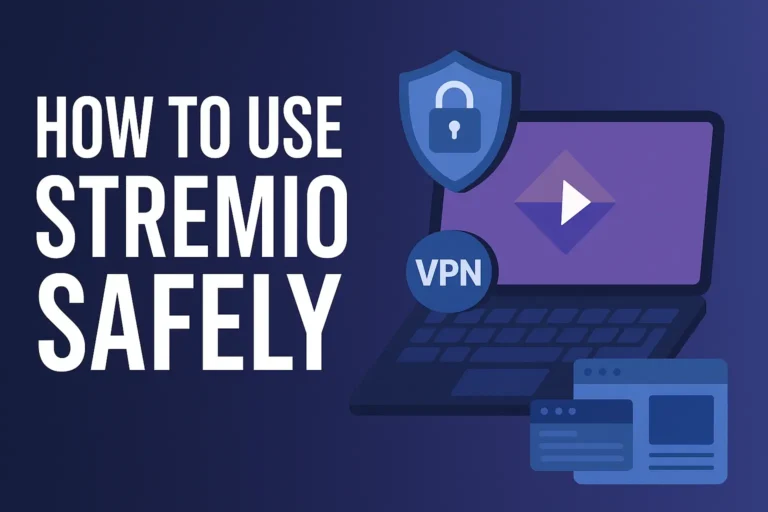
And yes, it’s always a good idea to use a VPN when streaming through third-party add-ons, especially in 2026 when geo-blocking is stricter than ever.
Pro Tricks to Make It Better
- Sometimes manual add-ons don’t load correctly.
If that happens, double-check the link; it should always end with .json. Restart your app, clear the cache, and try again. - Most of the time, it’s just a typo or an expired URL.
And if the add-on is offline, no worries — there’s always another one waiting.
What If It Doesn’t Work?
Sometimes manual add-ons don’t load correctly. If that happens, double-check the link; it should always end with .json. Restart your app, clear the cache, and try again. Most of the time, it’s just a typo or an expired URL. And if the add-on is offline, no worries, there’s always another one waiting.
Conclusion!
Installing Stremio add-ons manually in 2026 isn’t just a tric,k it’s a superpower. It lets you explore a deeper, more customizable side of Stremio where your library grows the way you want. So next time you discover a cool add-on link, don’t hesitate to paste it, install it, and enjoy the freedom of your own streaming universe.